

Smart BT Remote pairing walkthrough
A short After Effects walkthrough that shows how to pair Aceconn's Smart BT Remote with the TV box: which keys to hold, where to look and when it's done.
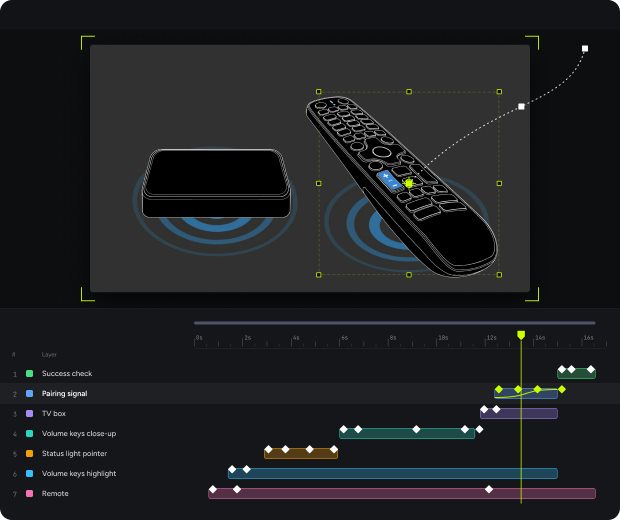
The walkthrough, step by step
How the Smart BT Remote pairs with the TV box, from the first key press to a stored Bluetooth bond.
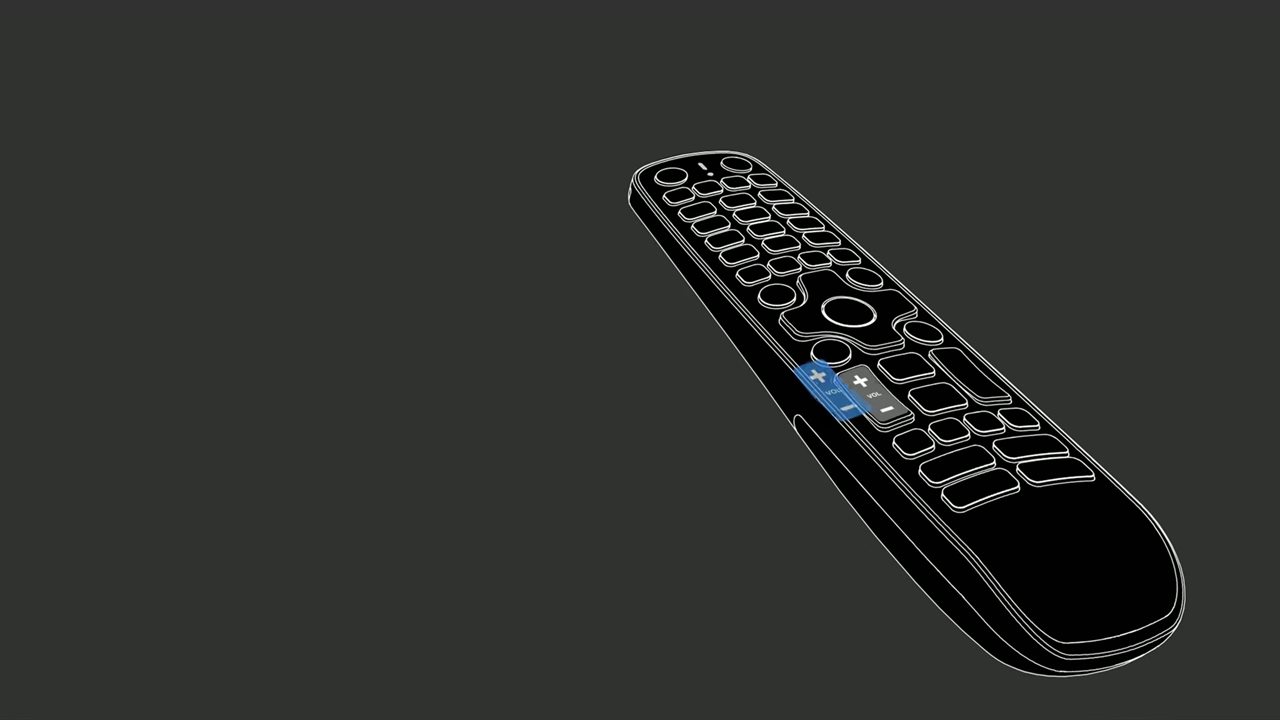 01
Pairing trigger
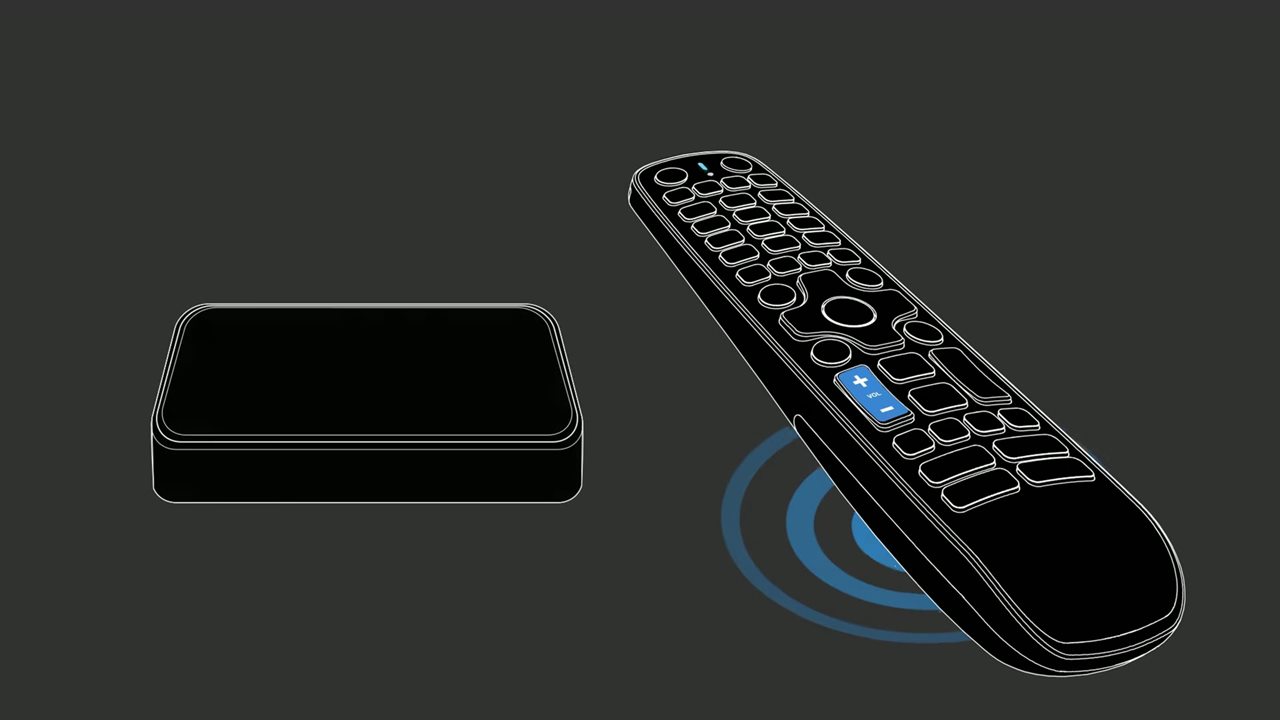
Pairing is started with a keys combination: VOL+ and VOL- pressed together.
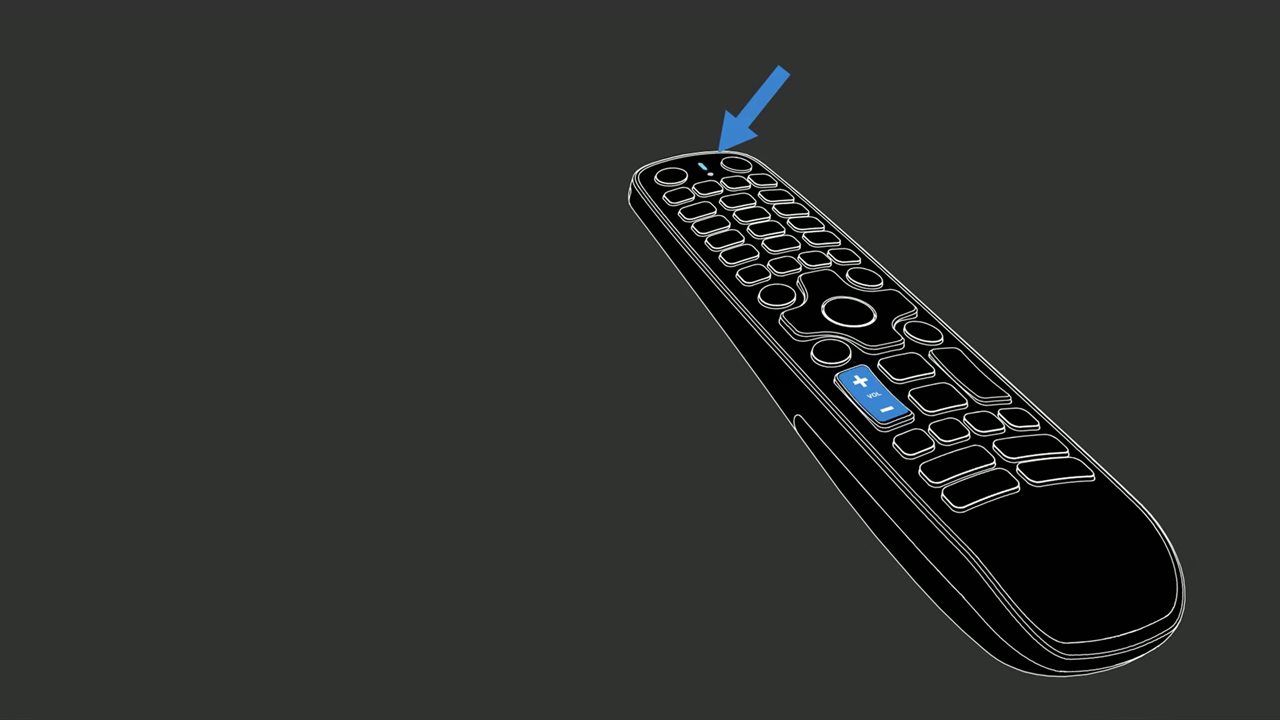 02
Status LED
The LED at the top of the remote is its only feedback channel. It tells the user when the remote is in pairing mode and when pairing has finished.
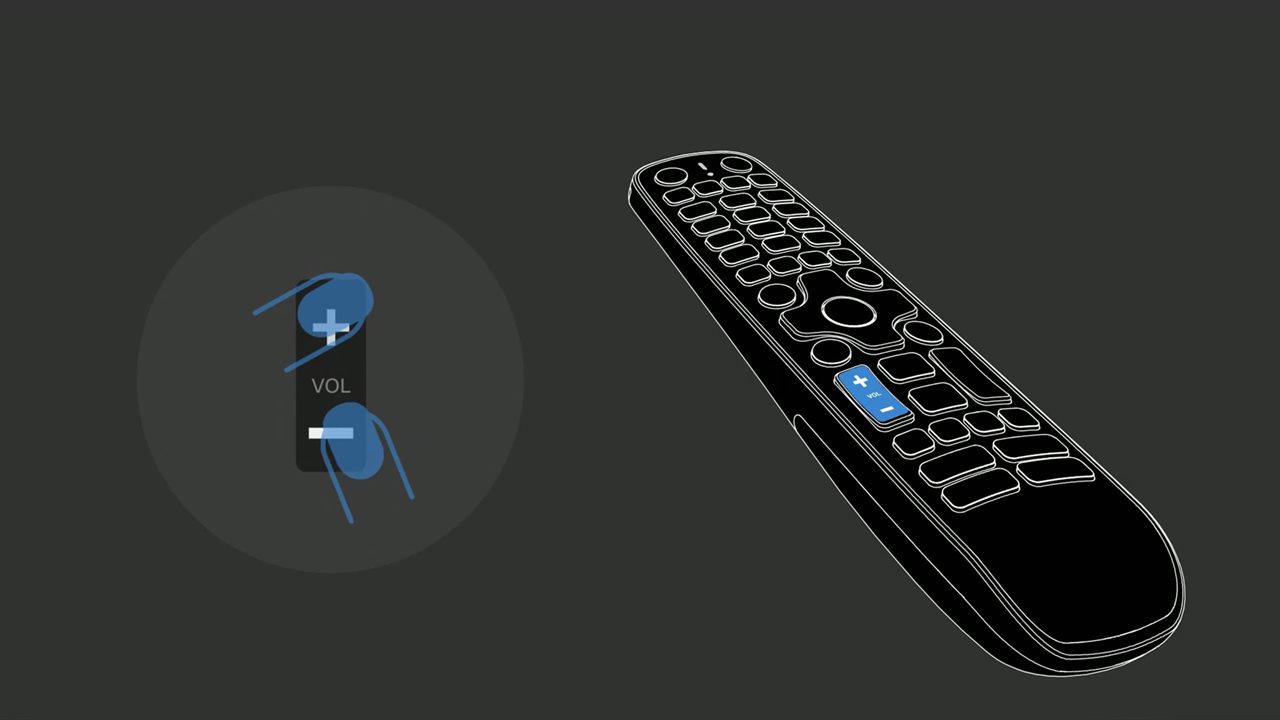 03
Enter pairing mode
When the user holds VOL+ and VOL- together, the remote will leave its normal state and start advertising over Bluetooth Low Energy, making itself discoverable.
 04
Discovery
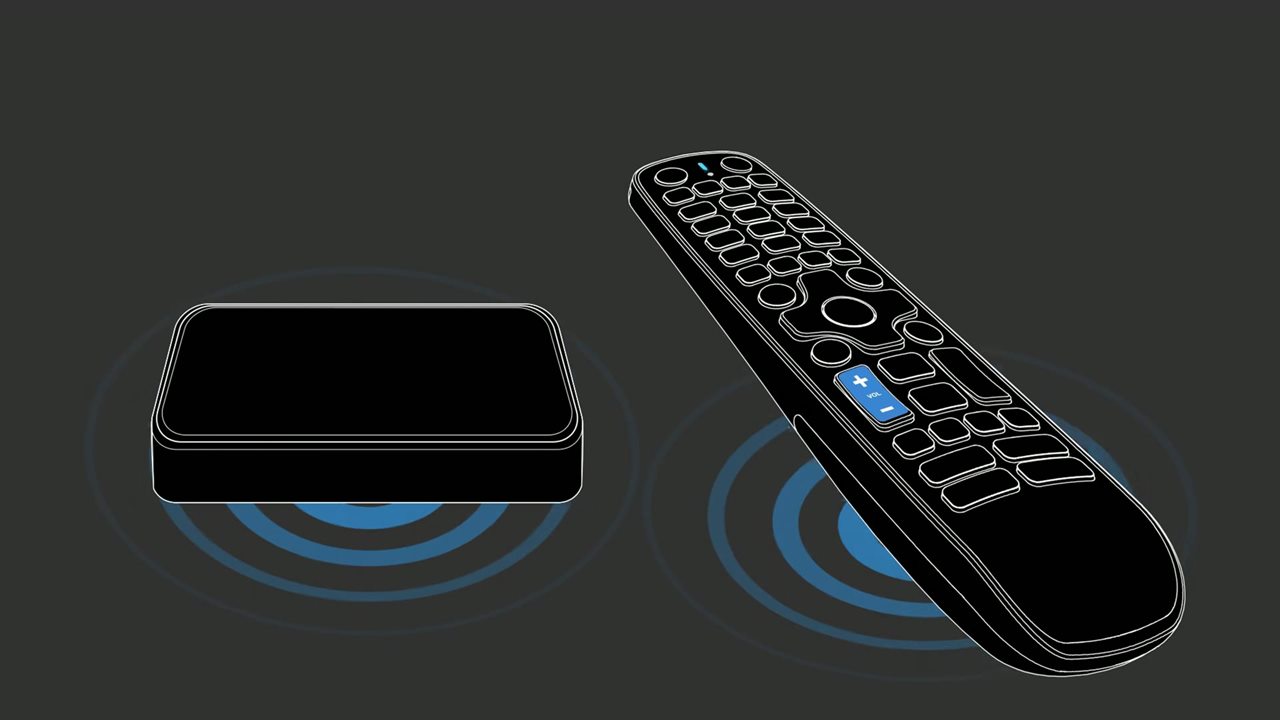
The TV box scans for remotes in pairing mode and finds the Smart BT Remote. The box must be powered on and the remote within range.
 05
Bond and connect
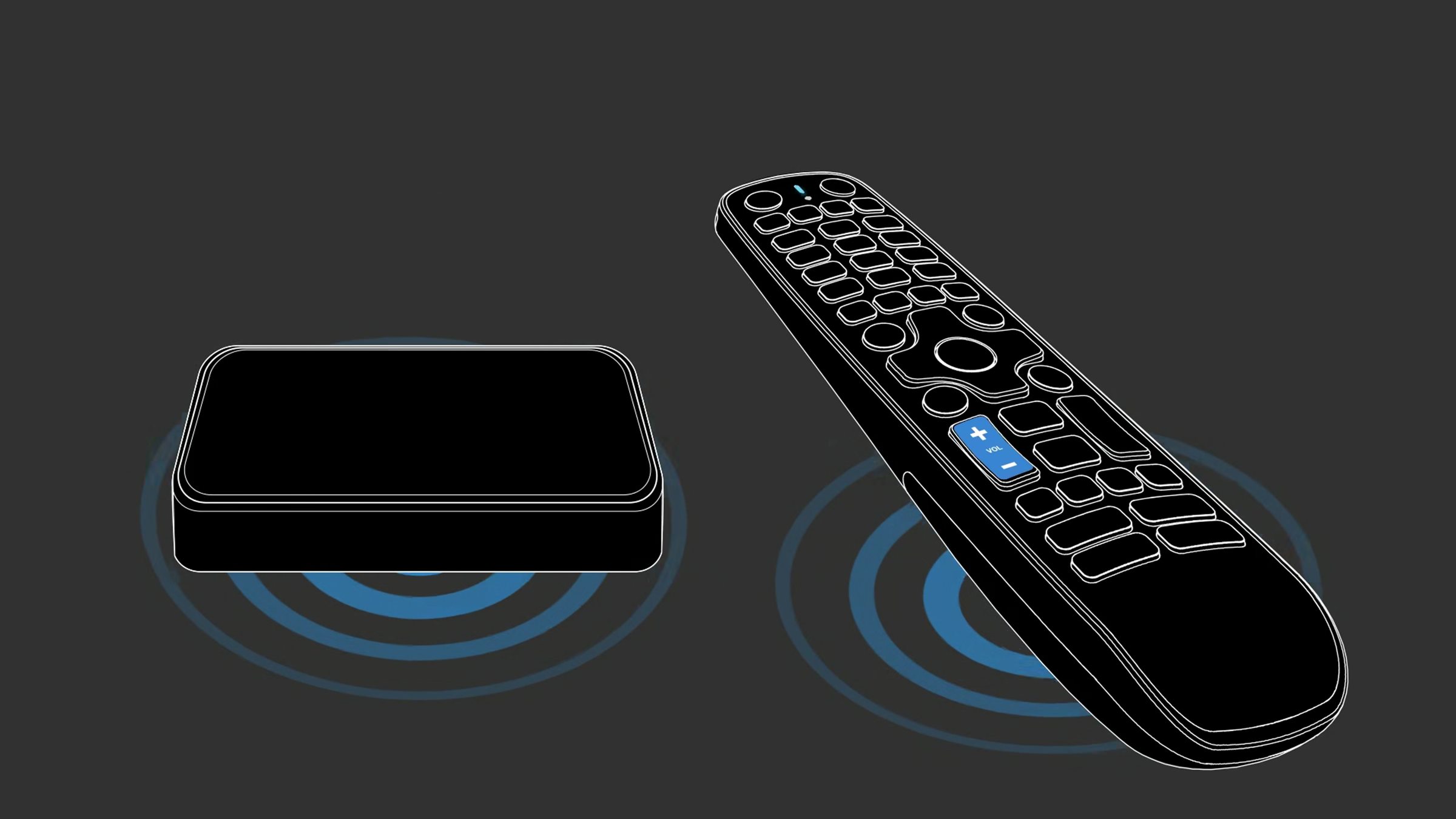
The remote and the box exchange keys and bond, then connect with the remote as a Bluetooth HID input device. The bond is stored, so the remote will reconnect on its own after sleep or a reboot.
 06
Ready to control
Pairing is confirmed and the remote will now send key presses straight to the box. TV power and volume can then be set up in the remote setup app through IR learning.
Watch the walkthrough
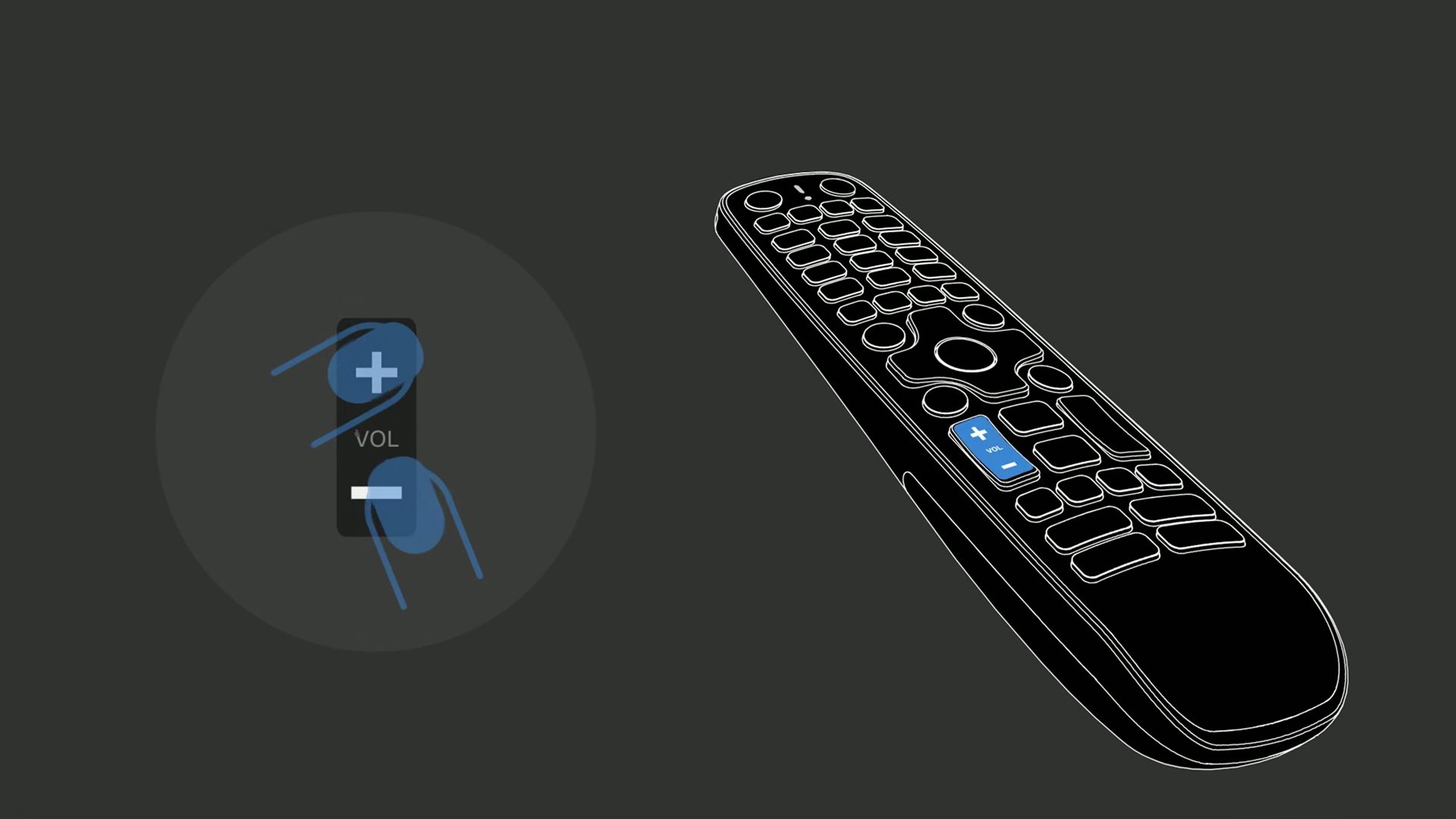
Pairing the Smart BT Remote with the TV box. Rendered in After Effects.
Users stopped calling support to ask how the remote works. They just flowed with it and they were set.
~ Aceconn TeamWhat the walkthrough covers
Have a product that is hard to explain?
We design the motion and onboarding that make it obvious.